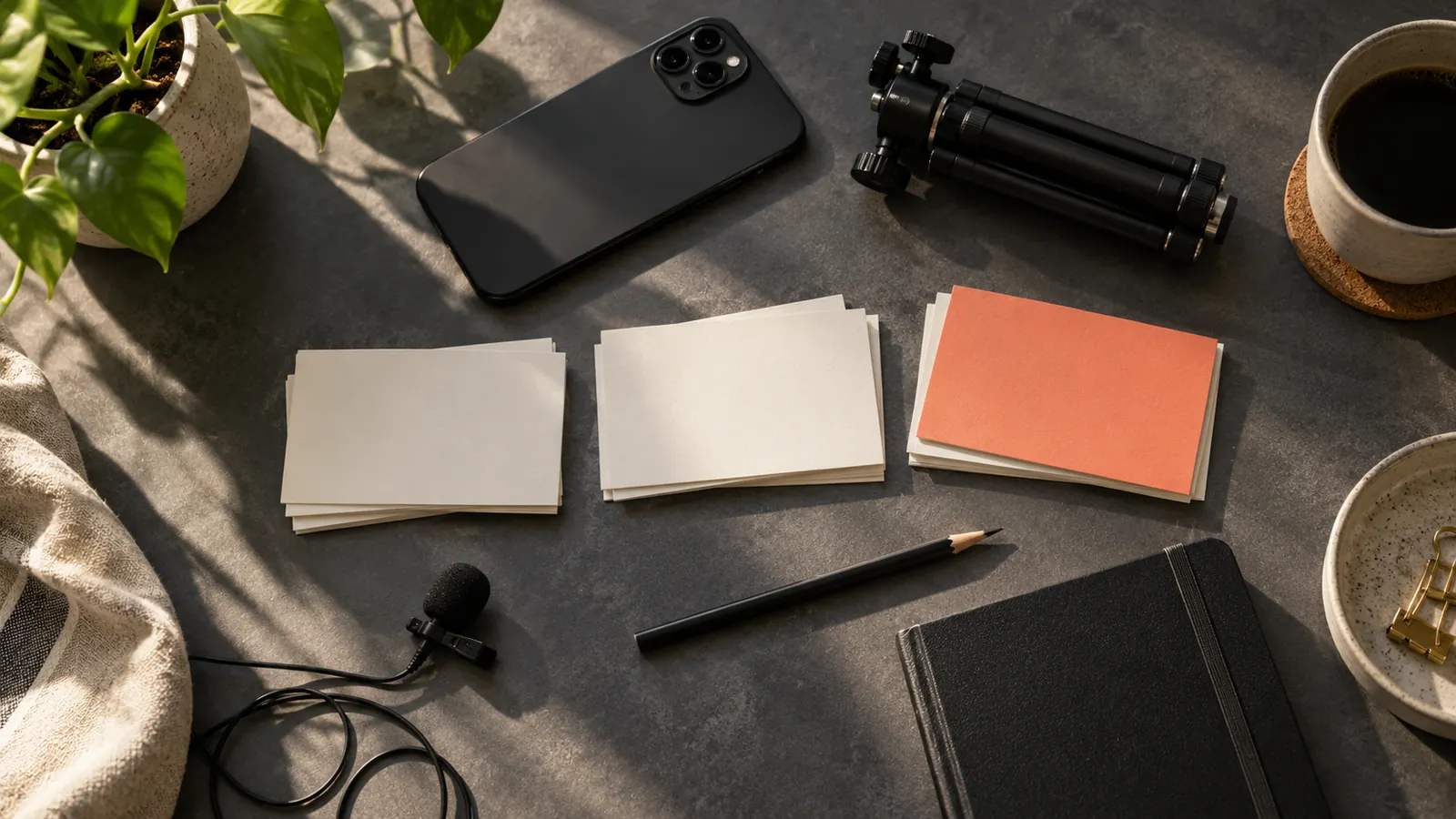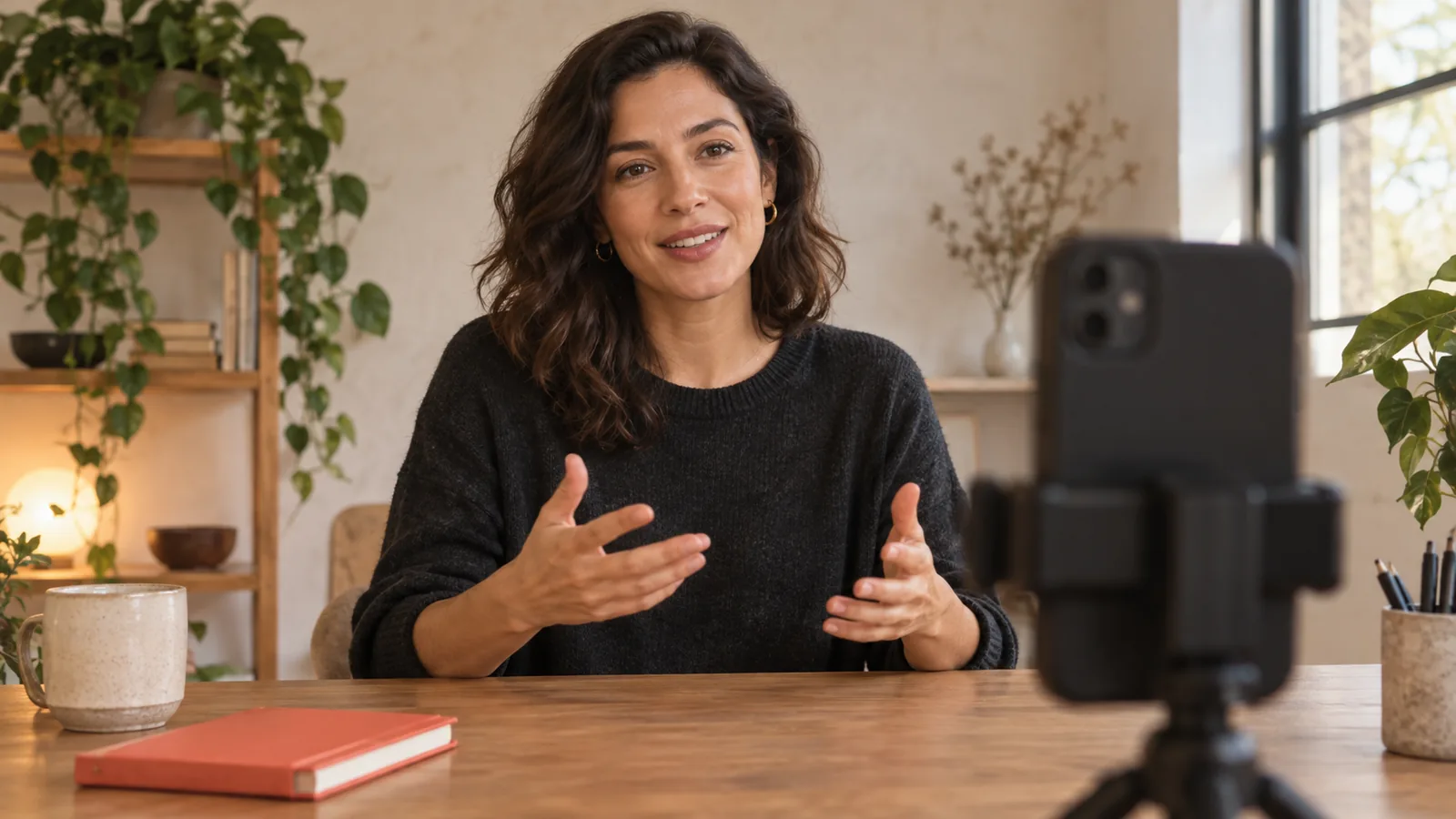









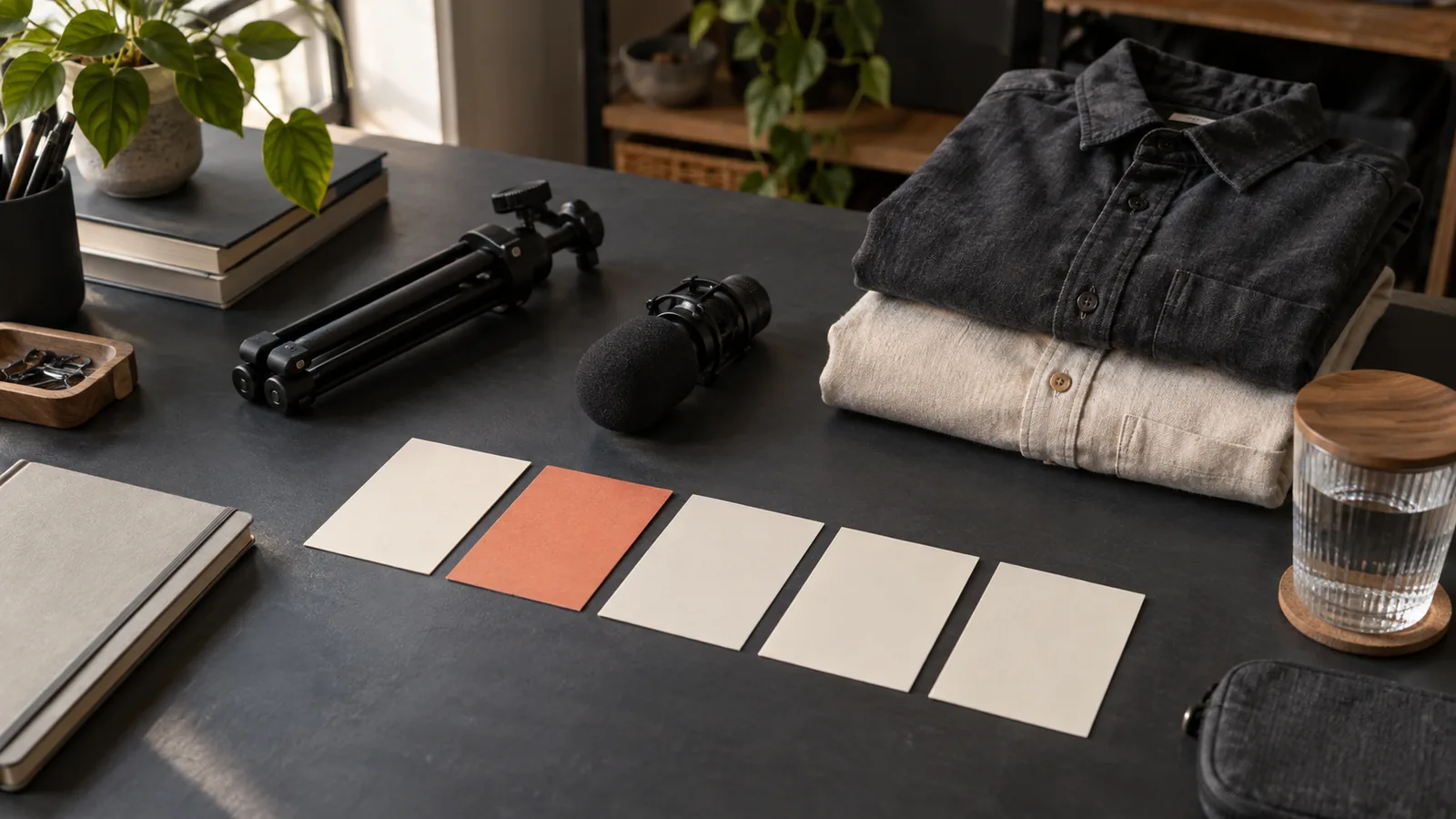
Batch filming means recording several planned videos while the same physical setup is ready. The main opportunity is reducing repeated setup decisions: where the phone goes, how the light falls, which microphone is connected and where the props belong. It does not mean every creator must produce a large number of videos in one sitting.
For a first session, choose three to five related videos with simple demonstrations. Plan for usable recordings rather than a heroic output target. The sample timetable in this guide is a planning example, not a measured promise that everyone can film a week of content in a particular number of minutes.
Separate writing from recording
A filming session becomes difficult when every camera adjustment is followed by a new topic decision. Prepare each script or speaking outline beforehand. For every video, identify the intended viewer, one question, one answer, the required demonstration and the ending. If those elements are unclear, the idea is not ready for the filming queue.
Read each script aloud once before the session. A paragraph that looks short on the page may contain several awkward transitions. Fix obvious phrasing problems while you are still in writing mode. Leave room for natural changes during recording, but do not rely on the camera being on to reveal the entire structure of the lesson.
Group videos by physical setup
Imagine you are a language tutor planning five short lessons. Three are direct explanations to the camera, one uses a notebook on the table, and one compares two short spoken phrases. Record the three direct explanations together. Then move the phone for the tabletop demonstration. The comparison may fit the first setup, so decide that before moving equipment.
Publication order and recording order do not have to match. Label each video with a short internal code, such as pronunciation-one or listening-two, so you can rearrange the session without losing track. Avoid naming files only “final” or “new,” because those names become ambiguous as soon as you record another take.
Use a readiness checklist that prevents avoidable retakes
- Confirm the phone has enough available storage and battery for the planned session. Review existing files before deleting anything.
- Stabilize the phone and inspect the frame from the position where you will actually speak.
- Make a short audio recording with the microphone you intend to use. Play it back and listen for clothing noise and room distractions.
- Place every prop within reach, but outside the frame unless it belongs in the demonstration.
- Check the scripts for names, numbers and pronunciation. Keep any required factual reference close enough to consult between takes.
- Reduce interruptions and review notification settings before recording. Keep any emergency access you need.
- Prepare a simple take log with the video code, take number and one short quality note.
The purpose of the checklist is to catch problems that affect an entire batch. A disconnected microphone or an obstructed camera can spoil several recordings before you notice. A short test reviewed carefully is usually a better first step than immediately recording the longest script.
A sample ninety-minute session
Treat the following schedule as an adjustable worksheet. If your demonstrations take longer or your energy drops sooner, reduce the number of videos. You can still use the same sequence with a shorter session.
| Block | Task | What counts as complete |
|---|---|---|
| First 15 minutes | Prepare the phone, light and audio; record a brief test. | The saved test is visible and audible when played back. |
| Next 20 minutes | Record two direct explanations. | At least one understandable take of each is marked in the log. |
| Next 10 minutes | Pause, drink water and inspect selected takes. | Any repeated technical problem is identified before continuing. |
| Next 25 minutes | Record the demonstration and remaining explanation. | Required actions remain visible and the spoken answer is complete. |
| Final 20 minutes | Record missing details, check files and organize the take log. | The next editing session has a clear starting point. |
Do not fill every spare minute with another topic. Leave a buffer for a changed light condition, a misunderstood sentence or a prop that takes longer to handle. A session that produces four clear recordings is more useful than one that produces eight uncertain files you cannot confidently edit.
Give each take a narrow review question
After the first take, decide whether the problem is technical, factual or expressive. Technical problems include missing audio and an action outside the frame. Factual problems include a wrong number or an omitted condition. Expressive problems include a rushed sentence or an ending that trails away. Fix the specific issue instead of repeating the entire video with no plan.
For a short explanation, you might keep a take with a small natural pause if the meaning is clear. For a demonstration, the important action must remain visible. Define your standard before you become tired: understandable answer, accurate claim, usable audio and complete action. Constantly raising the standard mid-session can turn a practical batch into an endless loop.
Track the handoff to editing
In the take log, write “take two: clear answer, trim long pause at start” rather than “good.” Add a note when a separate close-up belongs with a particular explanation. If you record an alternate opening, identify which body it matches. These notes help you return to the work without replaying every file from the beginning.
Open the selected recordings before dismantling the setup. Confirm that they are saved, that their duration is plausible and that the ending is present. Preserve the original files until the final exports have been checked. Editing, caption review and publication still need time; the batch session does not finish those tasks automatically.
Adjust the next batch from what actually happened
After the session, compare planned and actual work. Which setup change took longest? Which script needed repeated corrections? Which video depended on a prop you had not prepared? Use those observations to reduce friction next time. Do not judge the process only by the number of recordings.
Keep a sustainable cadence. A week of publishing may need only two or three strong videos depending on your audience and other responsibilities. Batch size should follow your capacity to research, record, edit and respond thoughtfully, rather than a universal daily-posting rule.
Prepare separate scripts in Teleprompter before the session and rehearse the difficult passages first. During filming, use the draft that matches the current video code. Keep scheduling and the take log in your normal planning tools; the teleprompter supports delivery rather than running the entire production calendar.