








A useful video hook tells the right viewer why the next few seconds matter, then moves directly into the promised answer. It does not need a dramatic claim or an artificial mystery. For an educational short, a concrete problem, a visible example or a specific decision often gives you a stronger starting point than a general introduction about yourself.
The twelve openings below are original writing examples for Reels, Shorts and TikTok. They are not tested performance winners, and no phrase guarantees distribution. Each includes a continuation because an opening cannot be judged separately from the video that follows it. Adapt the situation to something you can honestly demonstrate or explain.
Write the answer before you choose the opening
Begin with the viewer’s question and your shortest accurate answer. Suppose you want to explain how to make a spoken script easier to read. The answer is not “use this secret technique.” It might be “replace written sentences with phrases you would naturally say, then put each spoken thought on its own line.” That answer gives you material for a hook without exaggeration.
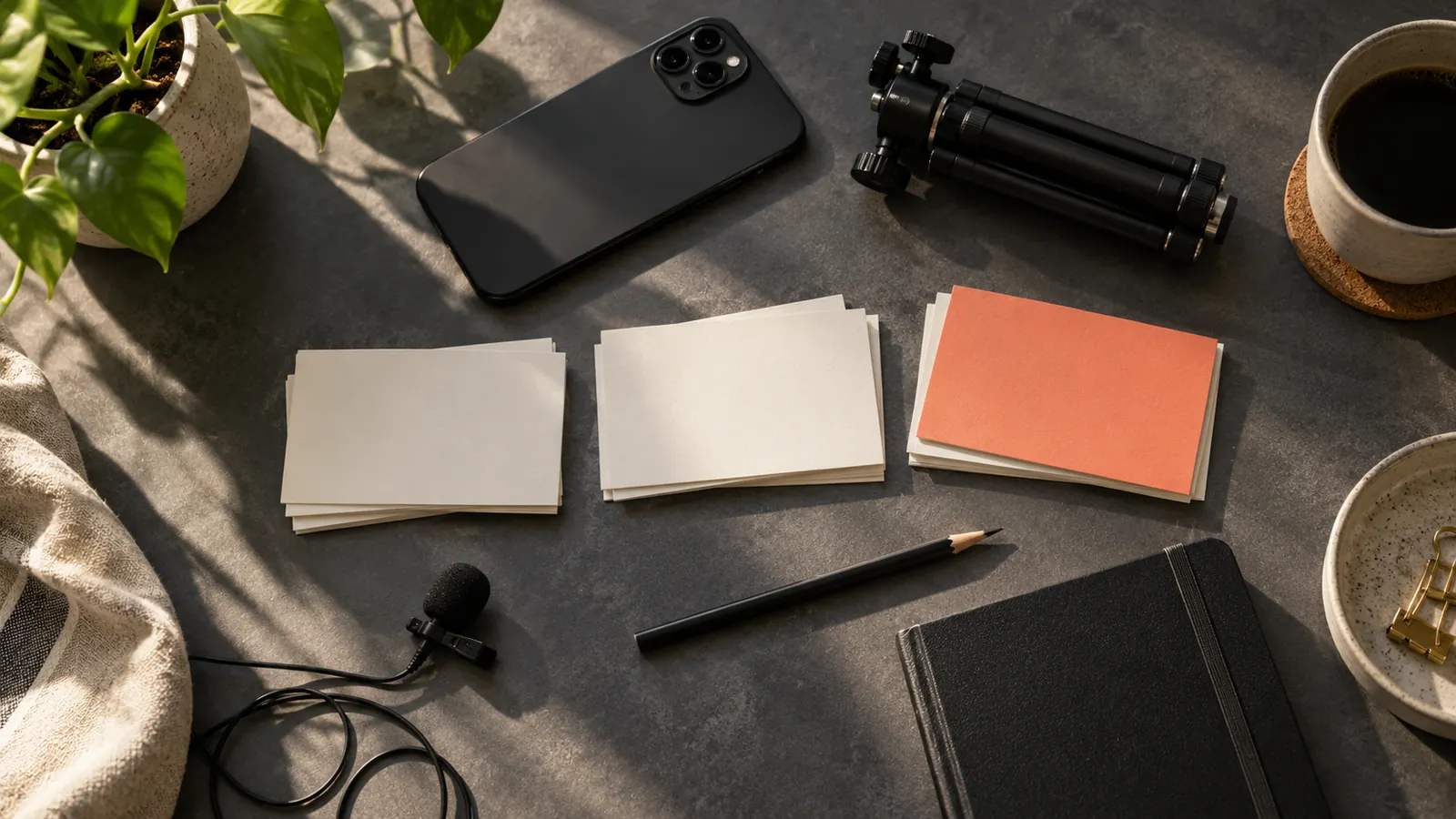
Next, decide what can appear on screen while you say the first sentence. A hand moving a white card, a finished ceramic cup, or two framing choices can communicate part of the topic immediately. If the opening promises a comparison, prepare both sides. If it promises an explanation, have the actual explanation ready rather than adding a long second introduction.
Twelve openings and the next thing to say
1. Name a recognizable problem
Opening: “Your script may sound stiff because it was written to be read silently.” Continue: Read one formal sentence, replace it with the version you would say to a colleague, and explain the difference. This works when you can make the problem audible without insulting the viewer’s ability.
2. Show the result first
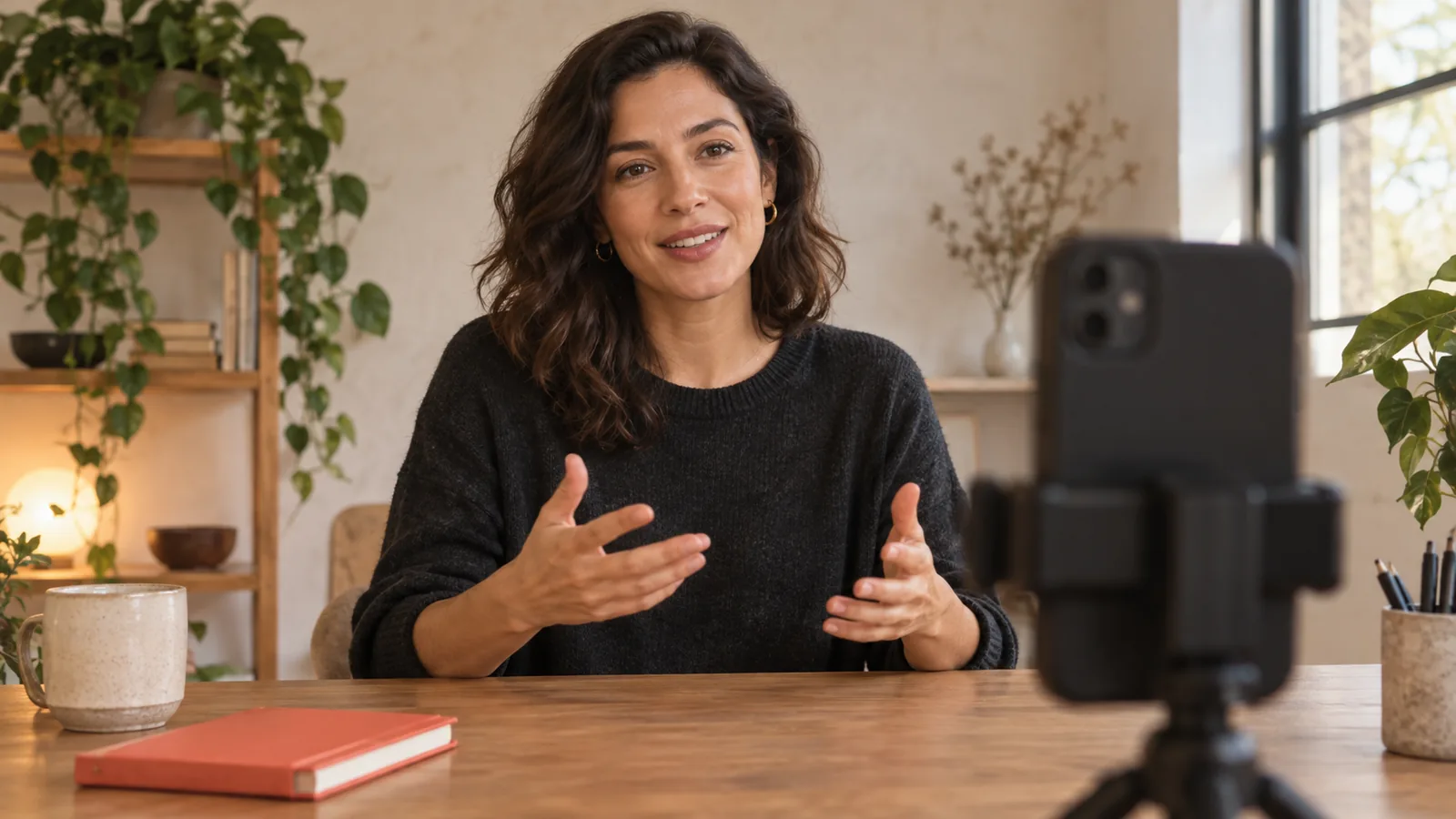
Opening: “Here is the phone setup we are going to build with one window and a white card.” Continue: Show the finished arrangement, then identify the first placement decision. The result should be achievable within the tutorial; avoid showing a sophisticated setup that the later instructions cannot reproduce.
3. Offer one bounded change
Opening: “Before you rewrite this whole video, change its first sentence.” Continue: Show a vague introduction and replace it with the question the video answers. Explain why the new version is clearer, without claiming that one edit will fix every retention problem.
4. Describe a familiar moment
Opening: “You press record, remember the first line, and lose the second.” Continue: Explain a short rehearsal routine using two connected thoughts rather than memorizing the entire page. A recognizable situation helps the intended viewer identify the problem quickly.
5. Make a relevant comparison
Opening: “These two product shots use the same phone; the window position changed.” Continue: Show both shots under clearly described conditions. Use this wording only after creating the actual comparison. If you have not made it, frame the video as an experiment the viewer can try.
6. Challenge an assumption carefully
Opening: “A faster delivery is not always a shorter explanation.” Continue: Compare a rushed, overloaded sentence with a shorter sentence spoken comfortably. Keep the claim narrow. You are illustrating an editing choice, not declaring a universal rule for every presenter.
7. Answer an explicit question
Opening: “Where should you look when you read from your phone?” Continue: Show the camera position and demonstrate how the reading area affects your eye line. A direct question works best when the first useful answer arrives immediately, before background details.
8. State the constraint
Opening: “You have one quiet hour to record three useful videos.” Continue: Show how you would group the scripts and keep the physical setup consistent. Treat the hour as the viewer’s planning constraint, not as a production speed you have proven.
9. Open with a decision
Opening: “Choose the demonstration before you choose the title.” Continue: Take one vague topic and show two different demonstrations it could become. Explain which audience question each one answers. This is useful when the video teaches a process rather than a single fact.
10. Preview a small checklist
Opening: “Check these three things before recording your explanation.” Continue: Name the three checks, then show each briefly: understandable opening, audible voice and visible example. Make the number match the actual content. Do not hide the list behind repeated requests to keep watching.
11. Share a specific correction
Opening: “This draft explains the tool but never explains the task.” Continue: Point to a fictional example and rewrite it around what the viewer wants to accomplish. Clearly label a sample draft as an example instead of presenting invented customer feedback.
12. Invite a modest experiment
Opening: “Read this opening twice: once as written, once as if you were helping a friend.” Continue: Demonstrate both versions and ask the viewer to notice the phrasing. Invite observation, not a guaranteed improvement in confidence or engagement.
Adapt the delivery to the actual video
A spoken opening, the first visible action and the title should make compatible promises. If the title says “three lighting checks” and the voice begins with a lengthy equipment story, the viewer has to wait to confirm that the video is relevant. Align those elements before worrying about fashionable wording.
Reels, Shorts and TikTok may show your video in different contexts, and their interfaces and measurements change. Use the same underlying lesson where appropriate, but review each uploaded version in its actual format. Make captions readable, keep important objects visible, and check that interface elements do not cover the demonstration. Do not treat a phrase that worked elsewhere as a universal platform rule.
Test comprehension before testing performance
Read the opening and the next two sentences aloud. Ask a colleague to describe what they expect to learn. If their expectation differs from your actual lesson, change the promise or the lesson. This small comprehension check can reveal ambiguity without pretending to predict an algorithm.
After publication, compare videos with similar subjects, lengths and audiences where possible. Review where viewers leave and whether comments reveal a mismatch between promise and answer. Change one meaningful element in your next script and record the reason. A single high-view video does not prove that its opening phrase caused the result.
Put the chosen opening and its continuation into Teleprompter and rehearse them together. Adjust the wording if you repeatedly stumble at the same point. The aim is a clear first thought followed by a useful answer, not a perfectly recited slogan.