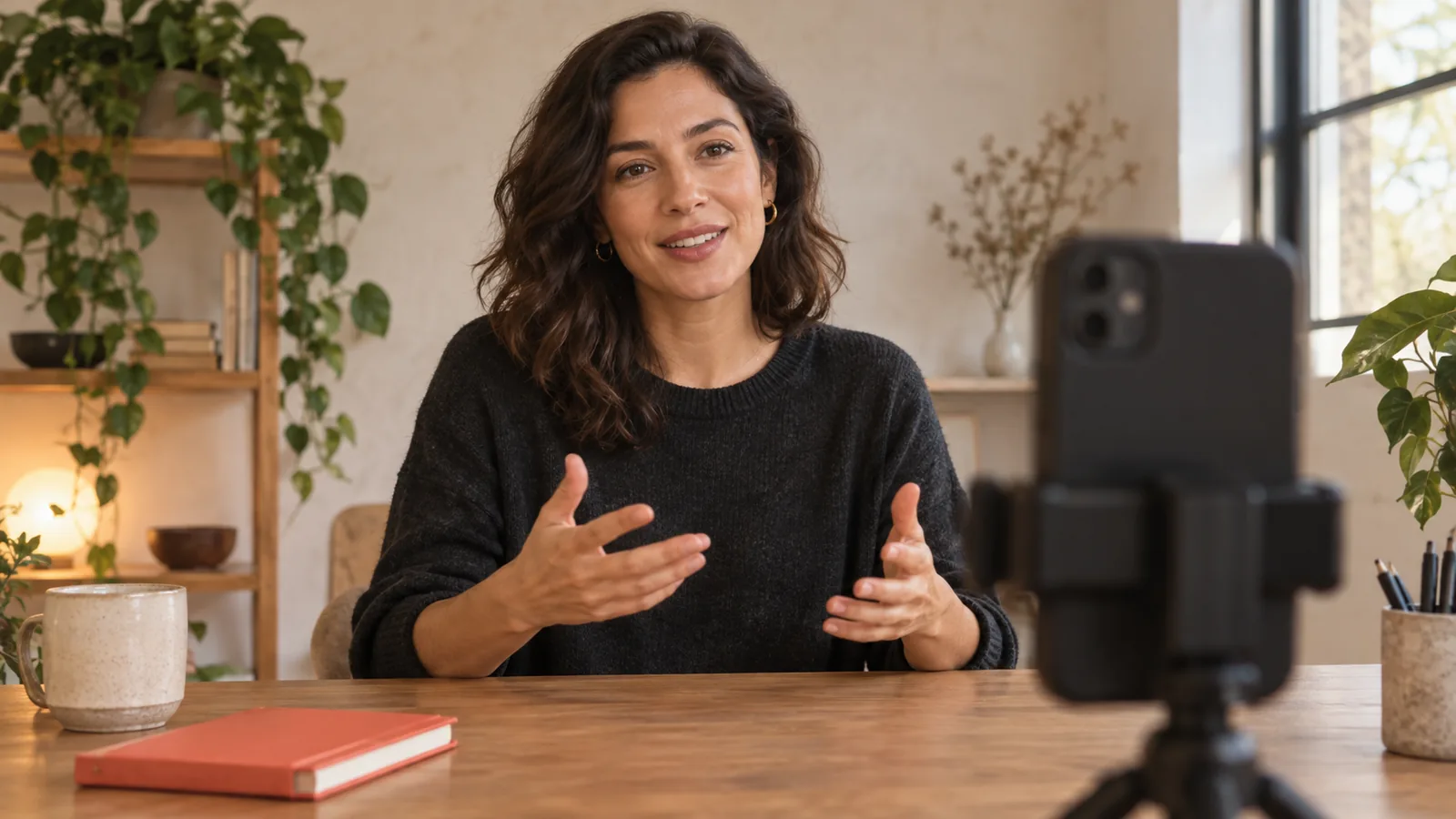









A thirty-to-sixty-second video script needs one clear promise, enough explanation or demonstration to fulfill it, and an ending that tells the viewer what to do next. Start with the answer you want someone to remember. Then choose the shortest sequence that makes that answer understandable. A short script is a small complete lesson, not a longer lesson spoken at uncomfortable speed.
The examples below show three different structures: a single useful tip, a comparison and a brief demonstration. They are original sample scripts, not transcripts of tested videos. Their final running time depends on your delivery, pauses and actions. Read them aloud with the demonstration before deciding whether they fit your target duration.
Set a spoken-word budget from your own rehearsal
Count the words in a short paragraph and record yourself saying it at a comfortable pace. Divide the word count by the speaking time in minutes. If you say sixty words in thirty seconds, that sample is approximately 120 words per minute. It is a measurement of that reading, not a recommended speed for everyone. Technical terms, second-language delivery and visible actions may require more time.
Reserve part of the video for actions and silence. At the example pace, a forty-five-second video might hold around ninety spoken words if you speak continuously. If you need ten seconds to move an object and let the viewer inspect it, your spoken budget becomes roughly seventy words. Use this calculation to find an initial draft size, then confirm it with a real rehearsal.
Use four planning lines before writing dialogue
- Viewer: Who is trying to do what? “A beginner recording a product explanation at home” is more actionable than “everyone on social media.”
- Answer: What should they understand or change? Express it in one sentence without an introduction.
- Evidence: What can you show, compare or explain accurately? A visible example is often more useful than a broad claim.
- Next action: What is the smallest sensible step after watching? Choose one action that follows from the lesson.
If you cannot fill these four lines, do not solve the problem by adding more dialogue. Narrow the topic. A video about “making better content” has no obvious endpoint; a video about replacing a vague opening with a specific question does.
Example one: one practical tip
Situation: A creator’s spoken script sounds formal. Visible material: One sample sentence written in a notebook or added later as accessible captions. Structure: Problem, replacement, reason, practice.
“If your video sounds like an essay, change the sentences before changing your delivery. This line says, ‘It is important to undertake preparation before commencing the recording process.’ I would actually say, ‘Prepare your setup before you press record.’ The second version carries the same practical instruction with fewer obstacles. Read your next paragraph aloud. Whenever you replace a word naturally, put that spoken version into the draft. Then record it again and listen for meaning, not perfection.”
The useful detail is the actual before-and-after sentence. Without it, the script would mostly tell the viewer to sound natural without demonstrating how. Adapt the sample to your own field and preserve any terms that are necessary for accuracy.
Example two: a fair comparison
Situation: A beginner cannot choose between two framing options. Visible material: Two recordings of the same explanation with different camera distances. Structure: Decision, comparable examples, tradeoff, choice.
“Should this demonstration be a close-up or a wider shot? In the close-up, you can see how my fingers open the lid. In the wider shot, you can see where I place the bottle and the lid afterward. Neither frame answers every question. If the lesson is about the opening mechanism, start close. If it is about arranging the workspace, show more of the table. Choose the frame that makes the action understandable, then check that your hands stay inside it.”
Film both examples before making statements about what they reveal. Keep other relevant conditions similar so the comparison remains useful. You do not need to declare one option universally better; explaining when each helps gives the viewer a more durable decision rule.
Example three: a short demonstration
Situation: A product’s shadow side is difficult to see near a window. Visible material: One object, a stable phone and a white card. Structure: Starting condition, action, observation, limitation.
“Look at the darker side of this object before we change the setup. I am keeping the phone and the object in place. Now I put a white card opposite the window and move it closer. Compare the shadow side as the card moves. Stop where the detail is easier to see without blocking your frame. Your room and surface will change the result, so try a small movement first. Take one image with the card and one without it, then inspect both.”
This script leaves room for observation instead of talking over every movement. In your working draft, put actions on separate lines and mark them as notes you will not read aloud. Do not count an instruction such as “hold for a moment” as spoken dialogue when estimating duration.
Edit for understanding before cutting for time
Make one pass for repetition. Delete the second statement of the same promise, the long greeting that delays the topic, and the explanation of what you are about to explain. Make another pass for missing logic. A shorter script is not better if the viewer cannot connect the demonstration to the conclusion.
When the draft is still too long, choose between reducing the number of steps and making a longer video. Avoid compressing several important conditions into a sentence that is difficult to follow. If a comparison needs a qualification, keep it or choose a simpler comparison. Accuracy should survive the edit.
Rehearse the whole sequence and review the saved file
Record one rough take with the actual props and pauses. Time the complete sequence, including the opening image and ending. Listen without watching to check whether the spoken explanation makes sense. Then watch without focusing on the words to check whether the visible action supports the lesson. These are review exercises, not a claim that the video will perform well.
Write the final script only after this rehearsal. Keep a short note about where you paused or changed wording. Before publishing, open the saved recording, check the beginning and ending, and confirm that the intended version is the one you will upload. A concise script is useful only when the finished file still contains its essential answer.
Teleprompter can hold the spoken draft while you rehearse its timing. Keep action notes distinct from dialogue and choose a reading pace that leaves room for the demonstration. Script preparation and rehearsal support your recording; they do not replace editing or platform publishing tools.